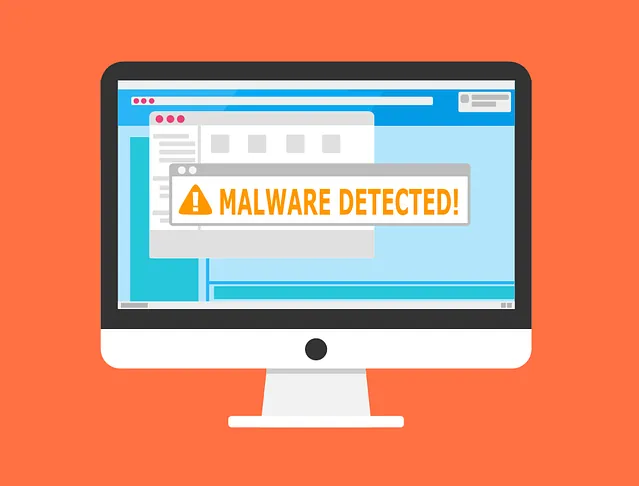
Cyber threats are constantly evolving, and one of the latest challenges for Doylestown businesses and residents is “malvertising.” This type of malware is increasingly common, appearing on social media sites, popular websites, and even in Google search results.
Two trends are making malvertising even more dangerous. First, cybercriminals are now using AI to make these ads look more believable. Second, the prevalence of malvertising is skyrocketing. In fact, Malwarebytes reported a 42% increase in malvertising incidents in just one month in the fall of 2023.
It’s essential to stay informed about malvertising and how it works to protect yourself and your business. Below, we’ll cover what malvertising is and share some crucial tips to help you spot and avoid these malicious ads.
What Is Malvertising?
Malvertising uses online ads to carry out malicious activities. For example, when the PlayStation 5 was newly released and hard to find, hackers saw an opportunity. Several malicious ads appeared in Google search results, looking like links to official retailers. But instead of leading to legitimate sites, these ads directed users to fake websites designed to steal credentials and payment information.
Although Google and other platforms try to police ads, malvertising often stays live for hours or even days before being detected. And Google isn’t the only platform where malvertising appears—it can also show up on reputable sites that have been compromised or within social media feeds.
Tips for Protecting Yourself from Malicious Online Ads
Cybercriminals are sophisticated, but there are effective ways to avoid malvertising. Here are some essential tips:
1. Review URLs Carefully
Many malvertising links have slightly misspelled URLs. Like other phishing tactics, malvertising often relies on mimicking legitimate sites to trick users. Always double-check any URL for suspicious details before clicking.
2. Visit Websites Directly
One of the safest methods to avoid malvertising is to bypass ads entirely. If you’re interested in a brand’s promotion, visit their official website directly. Legitimate promotions will be listed there. This is a smart practice for avoiding all types of phishing scams.
3. Use a DNS Filter
A DNS filter adds a layer of security by automatically redirecting you away from known dangerous sites. It will show a warning page if it detects a threat. This helps protect you from accidentally clicking on a harmful link.
4. Do Not Log In After Clicking an Ad
Malvertising often leads to copycat websites with fake login pages. These sites can look exactly like the real thing, but they’re designed to capture login credentials. If you click an ad, never enter your credentials on the resulting site. Instead, go directly to the brand’s website in a new browser tab.
5. Don’t Call Ad Phone Numbers
Some malicious ads even include phone numbers, attempting to scam people over the phone. These fraudsters often target seniors, pretending to be legitimate representatives. Avoid calling any numbers listed in online ads. If you accidentally find yourself on a scam call, never share personal information—simply hang up.
6. Don’t Download from Ads
“Get a free PC cleaner” or “Download MS Word for free”—these common offers in online ads are often scams. The links often download malware instead of legitimate software. Always avoid downloading anything from an online ad, especially if it involves a direct download link.
7. Warn Others When You See Malvertising
If you spot a suspicious ad, share a warning with others. Informing your colleagues, friends, and family helps create a more cyber-aware community. A quick Google search can also confirm if an ad is a known scam. By fostering a security-aware culture, we all contribute to a safer online environment.
Improve Your Online Security Today with Dwyer IT
Are your devices up-to-date with the latest security patches? Do you have reliable anti-malware software and DNS filtering in place to block dangerous sites?
If you’re unsure about any of these, Dwyer IT is here to help. Our cybersecurity experts are ready to provide affordable solutions to secure your online environment. Serving Doylestown, PA, and surrounding areas, we offer professional advice and tools to keep you safe.
Contact us today to schedule a chat about enhancing your online security.
Stay informed, stay secure, and reach out to Dwyer IT for your cybersecurity needs in Doylestown.